

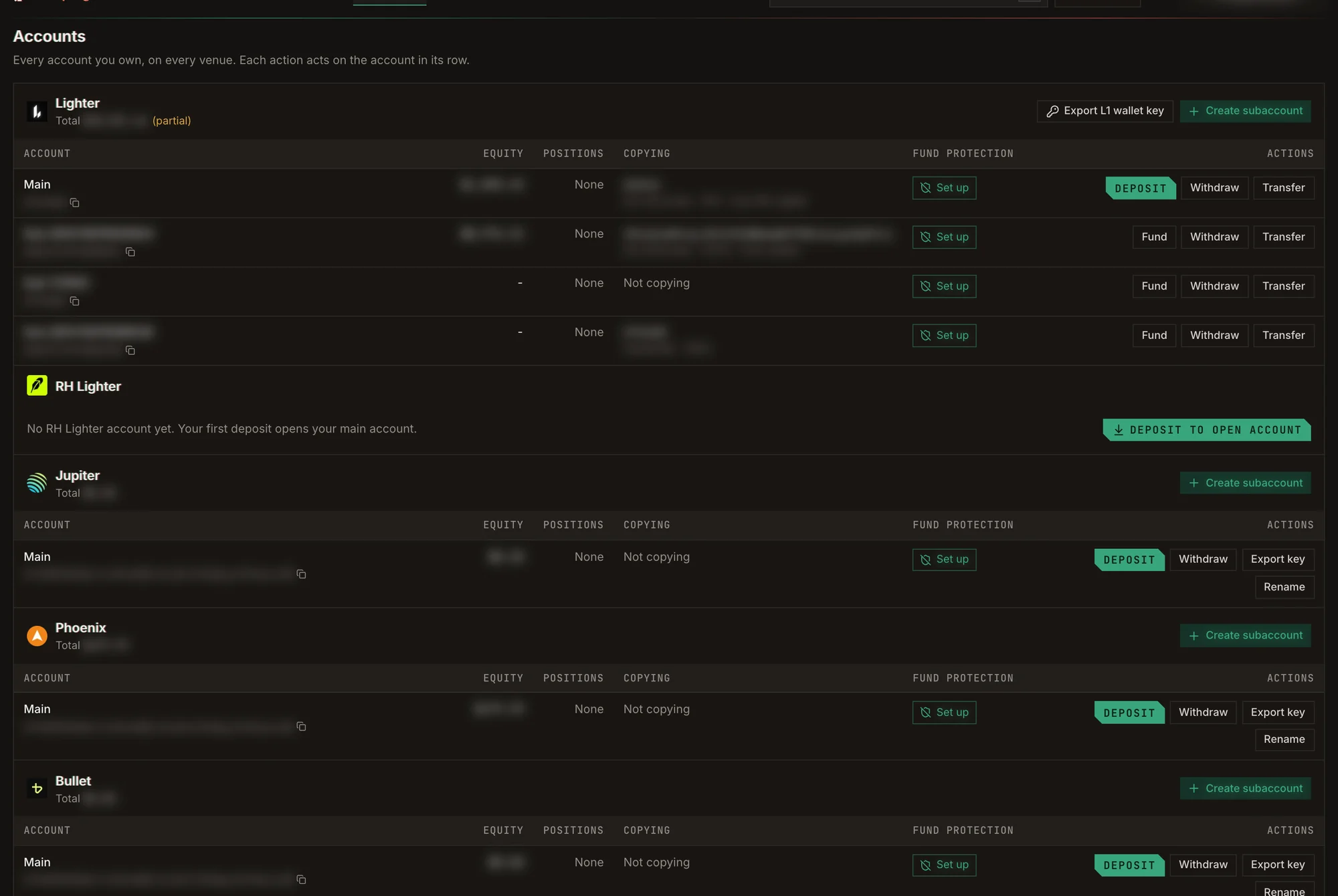
Accounts, grouped by venue. Balances and addresses are blurred.
Open an account
If you have no account on a venue yet, click Deposit to open account. Your first deposit opens your main account there. To run several copies apart from each other, create more accounts with Create subaccount:- Lighter: creates a subaccount under your Lighter main account and enables it for trading.
- Solana: creates a new Solana wallet. It is listed under Jupiter, Phoenix and Bullet.
Deposit
On Lighter and RH Lighter, use Fund on a subaccount to move money into it from your main account.
Withdraw and transfer
- Lighter offers two withdrawal types: Fast Withdrawal (a quick transfer to an Arbitrum wallet) and Secure Withdrawal (to Ethereum through the native bridge, which takes longer).
- Transfer moves funds between your own accounts on the same venue. Bullet has no transfer.
- On Aftermath, Accounts lets you create more Aftermath accounts and move collateral between them.
Export a key
Export key reveals the private key of an account’s wallet so you can use it elsewhere. It also asks for a Telegram code first.- On Lighter and RH Lighter the key is the L1 wallet key, exported once for the whole section: it controls every account on both Lighter and RH Lighter.
- On Aftermath the key is exported in Sui
suiprivkeyformat.